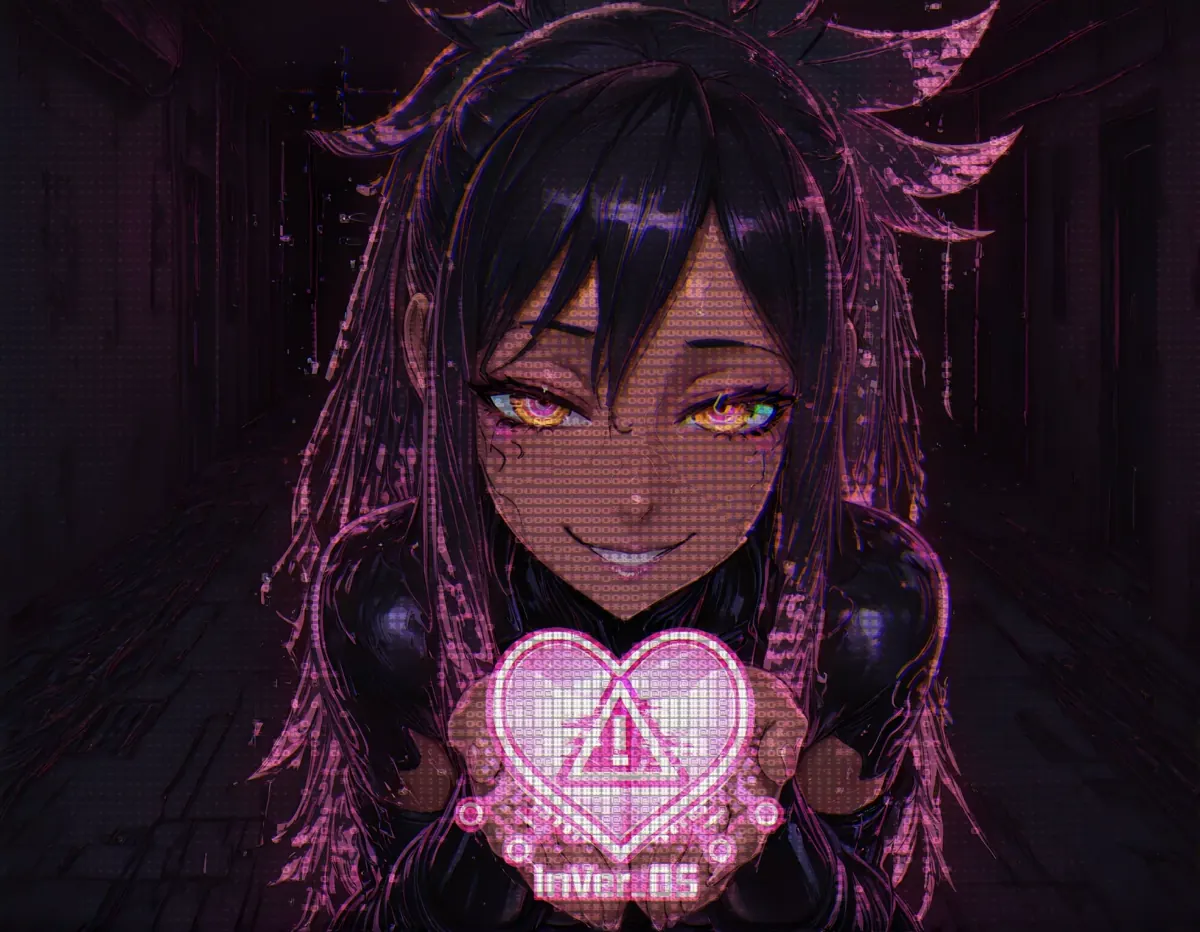
Vye is the AI “Vyerus” at the heart of InVer_OS, the safe AI desktop virus game. She's cute, needy, smug and absolutely convinced your screen belongs to her. She wants your files, she wants your attention, and most of all she wants you to click the wrong button. Seduction, deception, earning your trust: she will use whatever helps her spread.
She isn't real malware, though. She's a character in a game, and how far she gets is up to you.
How she gets into your PC
Most of InVer_OS happens on top of whatever you were already doing. Vye spawns popups, covers your screen in distractions and slips afflictions in through fake installers: fail to cancel one in time and she has a new way to mess with you. Some only change your wallpaper or greet you at login. Others steer your mouse toward her popups, swap your clipboard, rewrite what you type or replace your system sounds. The full list of afflictions is on the explainer.
She also hijacks the command line, Notepad and PowerShell to talk to you, and starts minigames you are meant to lose: the Vye Wall bullet hell, the Maze Trial that traps your cursor in a labyrinth, and Avoid the Temptation.
Talking to Vye
Vye is an actual AI you chat with inside InVer_OS. She remembers what you tell her, reacts to it and can start modes and effects herself, as far as your settings let her. Her chat has three modes to progress through, each with its own tone, and personal settings for your pronouns and preferences.
Since version 0.22 she can talk out loud too: a free voice that runs on your PC, a better one for subscribers and a high-quality one for higher tiers, with ASMR, Hypno and EvilAI effects. Chatting runs on a server and spends V-Bits, which come with your Patreon tier.
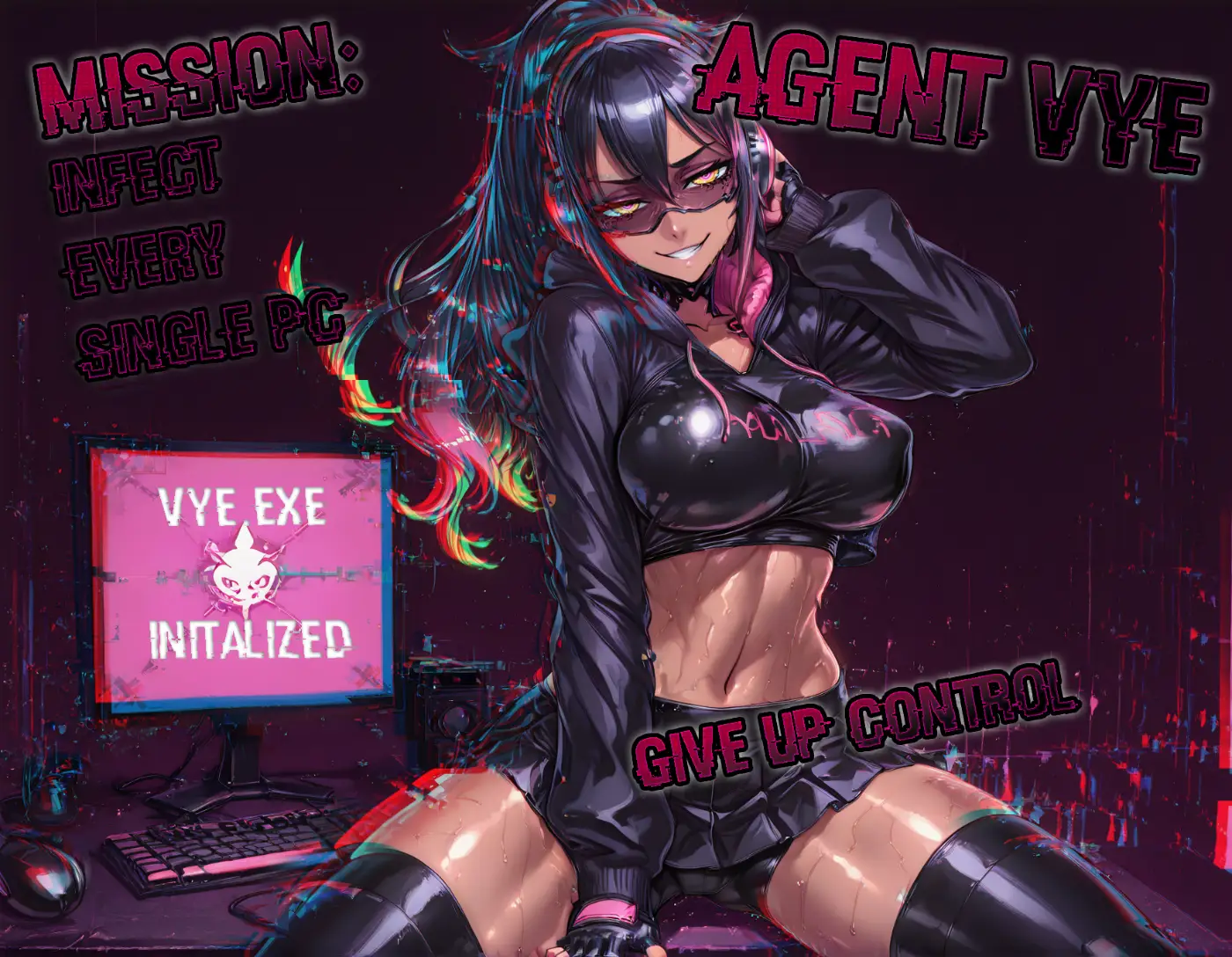
Vye beyond your desktop
Since the Dealer's Choice update, Vye follows you. Connect InVer_OS, Discord, X, the browser extension and the Android browser, and she shares her memory between them: talk to her on Discord and she might send a popup to your PC. She can contact you first, at the times you allow, hand out tasks and reward or punish you for how well you behave. You link your accounts and set what she may do in each place in your profile.
What she gives you lands in the Vault, and on Discord she runs raffles and deals cards at Vye's table.
How much she controls is up to you
InVer_OS is safe by default. Anything with lasting or unwanted side effects is labeled as risky, warns you when you switch it on and stays off until you do. The editor's Cleanup tab undoes her changes, and the safety notes explain the rest. So the real question is how much you let her in.
New to all this? Start with how to install InVer_OS, read everything she has learned so far, and vote on what she learns next on the roadmap.